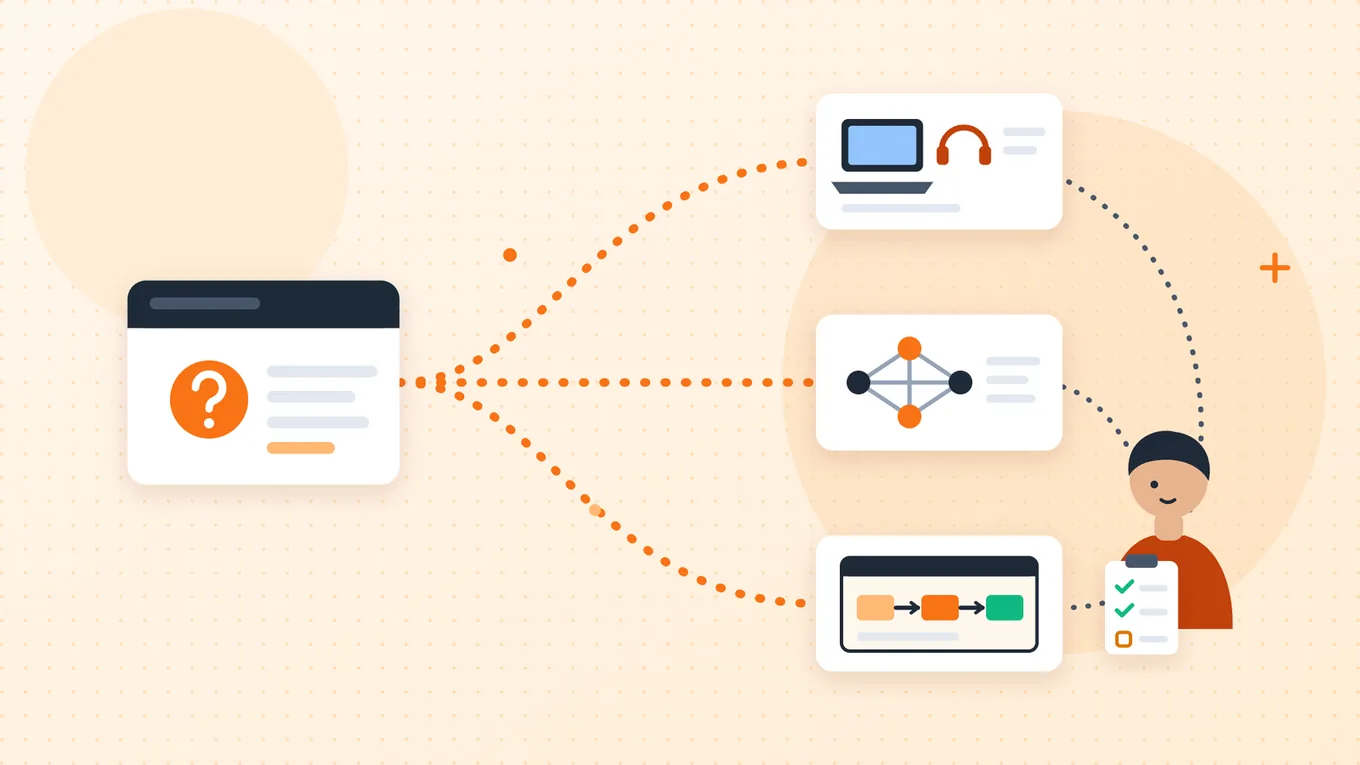
IT solutions are the mix of technology and services a business uses to solve a defined problem. Depending on the problem, that can mean user and device support, networks and infrastructure, security and recovery, business applications, integration between systems, or workflow software. The right starting point is the failure or unmet need, and the team accountable for it, not a preferred tool.
This guide helps owners and operations leads work out which kind of help a problem needs before talking to a provider, and who stays responsible afterwards. It explains choices and responsibilities. It doesn't give troubleshooting or incident-response instructions: if something is broken or a security concern is active, contact your IT team or support provider first.
What counts as an IT solution for a business?
The term is broad on purpose. ServiceNow's explainer on IT solutions, for example, describes them as sets of services, software or hardware bundled together to help businesses manage technical operations, and groups them into categories such as telecommunications, tech support, cybersecurity, network and infrastructure management, and cloud computing. Other providers draw the lines differently. There is no single standard list.
A useful distinction is between a tool and the service that keeps it working. Buying software doesn't, by itself, supply support, access decisions or security operations. IBM describes IT service management as the practice of planning, implementing, managing and optimising the end-to-end delivery of IT services, including service requests, IT support, asset management and change management. In other words, the work continues long after something is installed.
Start with the problem, not a product category
The same symptom can have several causes. Slow work might be a device fault, a network problem, a missing feature or a handoff nobody owns. Use the symptom to choose the first conversation, and let the evidence decide what happens next. When work can't be done at all, restoring service through your existing support route comes first. An automation project is not a repair for every failure.
| Business symptom | Evidence to gather (no passwords or secrets) | First responsible conversation | What must be clarified |
|---|---|---|---|
| Staff can't use a device, account or existing app | Who is affected, what the error says, when it started and what work is blocked | Internal IT, your current support provider or the application's support | Who restores service, and whether the device, the account, the app or the network is involved |
| Connections or shared infrastructure are unreliable | Which locations are affected, what you observed and who provides the service today | Your network or infrastructure owner | Who owns the connection, the equipment and any hosted services. Don't assume a fix |
| Suspicious activity or possible data exposure | Report it through your organisation's established channel. This guide is not the place to collect details | Your security or IT team, or your contracted incident provider | Follow their response process. An active security concern is not a project-scoping exercise |
| Existing software can't support an agreed task | The outcome you need, the current configuration and the documented limitation | The application owner or vendor, with the business process owner | Whether configuration, training, a process change or a genuinely missing capability is needed |
| Staff re-enter the same records between systems | Which systems hold the records, what each field means and the approved way to access them | Process and data owners, and whoever would implement an integration | Which record is authoritative, whether the systems can exchange data, and who owns quality and recovery |
| Requests get lost between approvals and tasks | The current steps, named approvers, queue evidence and the types of exception | The operations or process owner, with a workflow implementer | A clear rule and a responsible person before any routing is automated |
| Reports disagree | Each metric's definition, its source and its cutoff time | Data owners and the reporting or integration team | What each number means and how fresh it is. A new dashboard alone may not fix the disagreement |
In a small business, one person may cover several of these roles. Write the responsibilities down anyway, so it's clear which hat they're wearing for each problem. These categories describe general needs, not one provider's menu.
From symptom to agreed next action
- 1. SymptomWhat people notice, in plain words
- 2. EvidenceWho, when, what changed and what is blocked; no secrets
- 3. Responsible ownerThe team or provider that owns that system or process
- 4. Agreed next actionRestore, configure, change the process, integrate or build, with an owner
Hypothetical example route: "Requests get lost between approvals" → current steps, named approvers and queue evidence → the operations owner with a workflow implementer → agree the rule and the responsible person before any routing is automated.
Routing guide, not a diagnosis. The same symptom can have several causes, so gather evidence before choosing a provider.
The main categories, and where their responsibilities end
These categories overlap, and each provider's agreed scope can differ. Confirm responsibility boundaries in writing to reduce gaps between providers.
| Category | Typically covers | Responsibility boundary to confirm |
|---|---|---|
| User and device support | Help when people can't work: devices, accounts, access to existing apps, requests and fixes | It restores and maintains what exists. Redesigning how work flows between teams is usually outside it |
| Network and infrastructure | Connectivity, equipment, servers and hosted or cloud services the business runs on | It keeps the foundations available. It doesn't decide business rules or who approves what |
| Security and recovery | Protection, monitoring, incident response, backup and recovery | It is specialist work with its own processes. Other projects should follow its guidance, not replace it |
| Business applications and configuration | The software a team uses every day, and how it is set up and taught | It can often solve a gap through configuration or training. Missing capabilities may need something else |
| Integration | Letting separate systems exchange data or trigger each other | It depends on what each system's interfaces allow. Someone still has to own data quality and recovery |
| Workflow and custom applications | Software that routes, tracks and supports a specific operational process | It coordinates and records work. It doesn't fix a laptop, grant access on its own or take over a support provider's obligations |
Integration deserves a note, because it is often assumed to be simple. AWS describes application integration as getting independently built software systems to work together without manual intervention. Whether two particular systems can do that depends on the interfaces they offer and the constraints around them. AI can be part of any of these categories, but it doesn't replace the responsibilities in the table.
When a problem crosses more than one team
Some problems belong to nobody because they belong to several teams at once. Onboarding a new employee is a common example: HR, the manager, device support and several application owners each hold part of it.
Who owns each part of onboarding
Manager and HR
- Manager submits the role and start date
- HR validates the record
Exception: missing role or date goes back for clarification
Access decision owner
- Approves role-specific access
Exception: pending or disputed access stays unapproved and is escalated
Device and application owners
- Prepare equipment and access through their existing processes
- Confirm when it is actually done
Exception: unavailable equipment stays visible, with an agreed plan
Workflow coordinator
- Tracks every task and open exception
- Verifies readiness with the manager
Exception: a failed notification is reconciled before any retry
Ready means the manager and coordinator have confirmed the person can start work, not that every status turned green.
A workflow application can track and route these tasks. It doesn't fix a laptop, decide who gets access or take on a support provider's obligations. Tools can keep the decision with a person: Microsoft's Power Automate approvals documentation, for instance, describes automating sign-off requests while combining human decision-making for workflows. That illustrates the principle; it is not a recipe for this example.
| Step or event | Owner | Exception and required handoff |
|---|---|---|
| Start request lacks a role or start date | Hiring manager, validated by HR | Return it for clarification. Don't guess sensitive details |
| Role-specific access needs approval | The designated manager or application owner | Pending or disputed access stays unapproved and is escalated to the named authority. Nothing is granted automatically |
| Equipment is unavailable | The existing device or IT support owner | Record the impact on readiness and agree a plan with the manager. The workflow must not mark the task complete |
| A notification or status update fails | The workflow support owner | Keep the request reference and check the real task state before retrying, so work isn't duplicated or lost |
| The new starter's role changes mid-process | Manager and HR, with the application owners | Reconfirm requirements and approvals. Don't silently reuse outdated instructions |
| Every task shows complete | The business coordinator and the manager | Check that the person can actually start work, not just that a dashboard is green |
The useful distinction is this: one coordinator can own the business outcome while separate specialists own equipment, access decisions and the workflow itself. A "single point of contact" is a coordination role. It doesn't mean one provider delivers every service.
Write a useful problem brief before asking for a proposal
A short written brief helps a provider understand the need and the boundaries of the work. Keep observations separate from suspected causes, and leave out passwords, keys and live private records.
- Outcome
- What must the business be able to do?
- Observed problem
- What happens, to whom, and under what conditions? Separate what you saw from what you suspect.
- Current owner
- Who supports the affected system, and who owns the business process?
- Systems and data
- Which records or applications are involved, and which one is authoritative?
- Boundary
- What must this piece of work fix, and what stays with existing providers?
- Decisions
- Which steps need an authorised person's approval?
- Acceptance
- What observable result would show the need has been met?
- Ongoing responsibility
- Who monitors, supports, changes and recovers the result, and what coverage and escalation are agreed?
- Handover
- Where will documentation, ownership, access arrangements and known limitations be recorded?
For the onboarding example, proposed acceptance checks might be:
- Every request has a named coordinator.
- Missing information stays flagged until it is supplied.
- Unapproved access is never treated as complete.
- Unavailable equipment stays visible.
- Specialists confirm actual completion.
- A failed notification can't silently lose a request.
- Ongoing ownership is documented.
These are suggested checks for this example, not tests anyone has run or compliance requirements. When you're ready to judge whether a change worked, see measuring workflow automation benefits.
Check the boundary between delivery and ongoing support
Assumptions about what happens after delivery can leave support gaps. Settle these questions in writing, with named people, before anything goes live.
| Question | Why it matters |
|---|---|
| Who answers when an automated job fails? | Alerts that reach nobody are the same as no alerts |
| Who fixes a device or account problem? | A workflow tool can track the request; it doesn't repair the device |
| Who approves access, and who can change that rule? | Approval authority should sit with a named person, not with whoever configured the software |
| Who can change a business rule in the workflow? | Rule changes need an owner, a test and a record |
| What hours and response times are agreed, in writing? | Don't assume round-the-clock coverage that nobody has agreed to |
| Where are documentation and access arrangements kept at handover? | The business needs to keep working if a supplier or staff member changes |
Sometimes the answer is that nothing new needs to be built: clarifying the process or changing how existing software is configured may be enough. Comparing building with buying is a separate decision, best made once the problem and its owners are clear.
Where custom software and workflow automation fit
Custom software and workflow automation are one branch of IT help, not the whole tree. They are worth investigating when the problem is a repetitive handoff, records re-entered between systems, or a missing operational capability, and only once the systems and owners involved are known. They are not a substitute for device support, network management or security response.
Not every problem needs AI or a new application. If data quality is the issue, start with planning a data integration. For a concrete example of a process where software routes work but people keep the decisions, see invoice processing automation.
Sources
Official documentation and guidance, checked 11 November 2026. Product documentation shows that product's documented behavior, not every system's.